


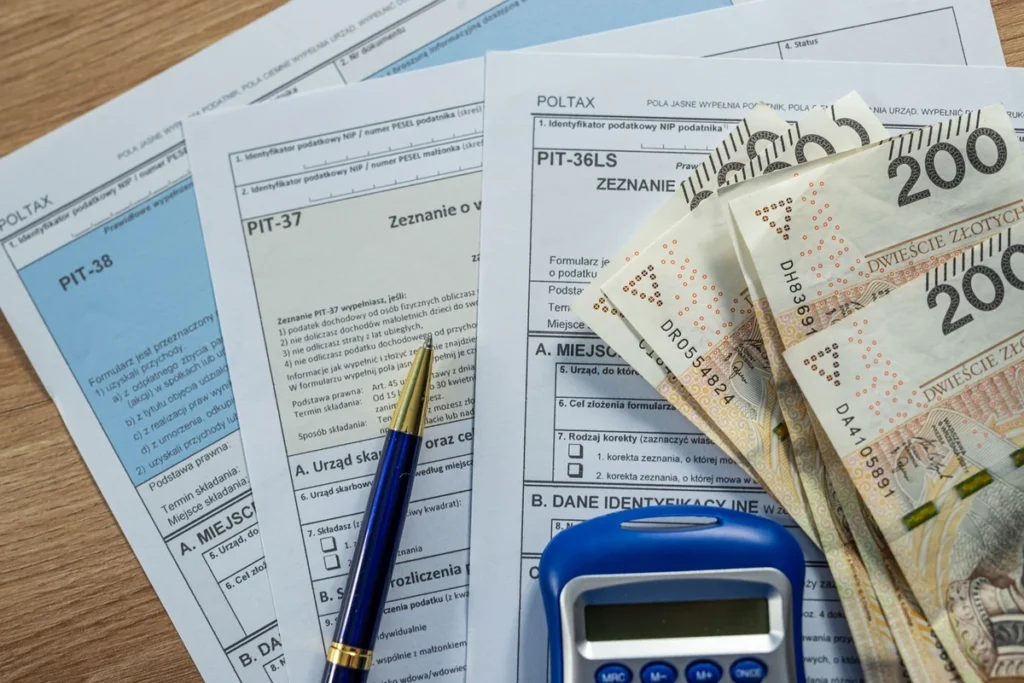
Polish taxpayers can use the e-PIT service to file 2025 income tax declarations online, with automatic acceptance by default unless action is taken.
What is Your e-PIT?
Your e-PIT is an electronic service of the tax administration, where the National Revenue Administration prepares a pre-filled tax declaration based on data transmitted by employers, ZUS, and other payers.
The service includes, among others, forms for various taxpayer types: PIT-37 for employees, PIT-38 for those with capital income, PIT-28 for flat-rate taxpayers, PIT-36 for some business owners, and PIT-39 for real estate sellers.
When Can You Use Your e-PIT 2026?
The service is made available every year on February 15 and concerns the settlement of tax for the previous year.
If the taxpayer takes no action, the PIT-37 or PIT-38 declaration will be automatically accepted on April 30, 2026, which may mean loss of tax benefits or incorrect settlement.
How to Log In to Your e-PIT?
Access to the declaration is obtained through the e-Tax Office service available on podatki.gov.pl portal using various login methods such as trusted profile, e-ID, electronic banking, mObywatel application, or tax data.
After logging in, the system displays the prepared declaration for review and possible action.
What Should You Check Before Accepting the Declaration?
Before clicking “accept”, it is worth verifying the data in the declaration in detail, including personal information, income and costs, social and health contributions, tax benefits, bank account number, and OPP allocation.
The system does not automatically take into account all benefits – some must be added manually to ensure proper tax settlement.
How to Accept Your e-PIT Step by Step?
Accepting the declaration is the simplest option: log in to the e-Tax Office, open the prepared declaration, verify the data, click “Accept and send”, and download the UPO (Official Receipt of Acceptance).
No additional actions are required after sending the declaration.
How to Correct the Declaration in Your e-PIT?
If the data requires changes, they can be edited before sending the declaration, such as adding tax benefits, changing the settlement method, indicating a different public benefit organization, supplementing missing revenues, or correcting costs.
After making changes, the declaration must be confirmed and the UPO downloaded.
How to Reject the Prepared Declaration?
The taxpayer may not use the prepared declaration and file a personal one instead, which may be justified when wanting to submit PIT in a different form, running a business requiring a different form, or when the prepared declaration does not include all income.
What Will Happen If You Do Nothing?
If the taxpayer takes no action, PIT-37 and PIT-38 will be automatically accepted, while PIT-28, PIT-36 and PIT-36L require confirmation by the taxpayer, and the tax refund will be made to the indicated account.
Inaction may mean missing out on benefits and paying higher tax than necessary.
Most Common Taxpayer Errors
When using Your e-PIT, the following errors are most frequently made: not checking tax benefits, using an outdated bank account number, not including additional income, not choosing joint settlement with a spouse, and not allocating 1.5% of tax to OPP.
Summary
The Your e-PIT service significantly simplifies the settlement of income tax, however automatic acceptance is not always the best solution. Before sending the declaration, it is worth checking the data, adding eligible benefits and ensuring that the optimal settlement method has been chosen.
FAQ – Your e-PIT 2026
No. You can correct it, reject it, or file your own declaration. The deadline is April 30, 2026. While the system may not include all tax benefits, tax refunds are typically processed within up to 45 days for electronic settlements. You can file a correction to the tax declaration within 5 years from the end of the tax year.